How to Avoid Common Online Payment Scams
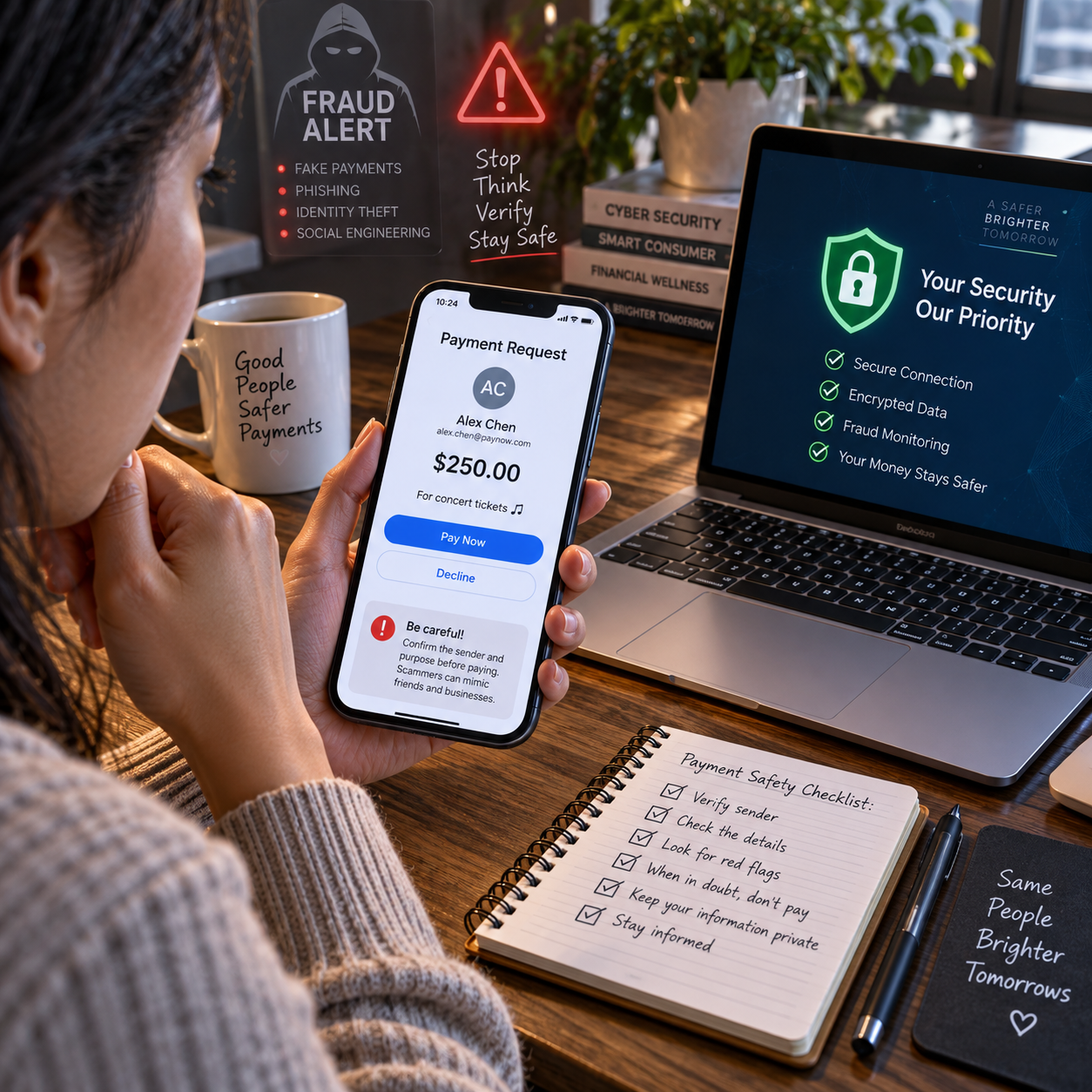
Online payment scams often succeed because they make a risky decision feel urgent, familiar, or routine. A message may appear to come from your bank, a delivery company, an employer, or a friend, then direct you to a payment link or fake checkout page.
The safest approach is simple: slow down, verify the request independently, and use payment methods with protections that fit the situation. The checks below can help you recognize fraud before money leaves your account.
Why Online Payment Scams Work
Online payment scams work by exploiting trust, urgency, and distraction. Scammers imitate familiar organizations and pressure people to pay before they have time to verify the request.
Many attacks begin with phishing, a deceptive email, text message, phone call, or social media message designed to steal information or trigger a payment. The sender may claim that your account will be closed, a parcel is delayed, or an invoice must be paid immediately.
Impersonation makes the message feel credible. A criminal might copy a company logo, use a caller ID that appears genuine, or reference details found on social media. The request may also include secrecy: you are told not to contact anyone else or to move money to a supposedly safe account.
Urgency narrows attention. When people fear a penalty or believe they will lose an opportunity, they are more likely to click a link without inspecting it. A useful rule is to treat pressure as a reason to pause, not a reason to act faster.
Scammers also choose payment methods that are difficult to reverse, including bank transfers, cryptocurrency, gift cards, and some payment-app transfers. The payment itself may look normal, but the recipient or purpose is fraudulent.
Common Online Payment Scams to Recognize
Common online payment scams include phishing messages, fake shops, fraudulent invoices, payment-app fraud, and impersonation attempts. Each type uses a different story, but the warning signs are often similar: unexpected contact, pressure, unusual payment instructions, and requests for sensitive information.
Phishing emails and text messages
A message may ask you to confirm a card, pay a small delivery fee, or resolve a banking problem. The link can lead to a counterfeit login or payment page that captures your password, card number, or one-time authentication code.
Fake shops and checkout pages
Fraudulent stores often advertise expensive products at unusually low prices. Their checkout pages may use a slightly altered domain name, lack clear contact information, or offer only bank transfer or other irreversible payment options.
Fraudulent invoices and payment links
An invoice can appear to come from a supplier, landlord, contractor, or subscription service. Sometimes scammers compromise a real email account and change the bank details on an otherwise genuine invoice.
Payment-app and marketplace scams
Common examples include fake overpayments, requests to pay outside a marketplace, and claims that a payment is needed to release a refund or prize. A screenshot or email stating that money was sent is not proof that funds arrived.
Impersonation attempts
Criminals may pretend to be a bank employee, government official, family member, or company executive. They might ask you to transfer money, disclose a verification code, or install remote-access software. Legitimate support staff should not need your password or one-time code.
How to Check a Payment Request Before Paying
To check a payment request, stop, verify the sender independently, inspect the destination, confirm the amount and recipient, and only then authorize payment. Use the following five-step check whenever a request feels unexpected or urgent.
- Pause the conversation. Do not reply, click, or call the number in the message while you assess it. Urgency and secrecy are meaningful warning signs.
- Verify the sender separately. Open the organization’s official website or mobile app yourself. Use a known phone number from a statement, card, or previous correspondence. Do not rely on contact details supplied in the suspicious message.
- Inspect the link and website address. Check the full domain, spelling, and connection. A padlock only indicates an encrypted connection; it does not prove that the merchant is genuine. Avoid shortened links when you cannot see their destination.
- Confirm payment details through a second channel. For an invoice or bank transfer, contact the recipient using a trusted number and read back the account name, amount, and bank details. A last-minute change deserves extra verification.
- Review before authorizing. Check the recipient, currency, total, recurring-payment terms, and refund policy. Never share a password, card security code, or one-time code to help someone else complete a payment.
This process may add two or three minutes to a genuine transaction. That is a small cost compared with recovering money sent to a criminal account.
Safer Ways to Pay Online
Safer online payments combine a protected payment method with strong account security and real-time monitoring. No method is completely scam-proof, so choose based on the transaction and understand its limits.
Credit and debit cards
Credit cards often provide dispute processes for unauthorized or qualifying purchases, although rules vary by issuer and country. Debit cards can also have protections, but money may leave your bank account immediately while an investigation takes place. Use a card rather than a bank transfer when buying from an unfamiliar merchant, and review the transaction details before submitting it.
Bank transfers
Bank transfers are useful for trusted recipients, but they can be difficult to reverse after authorization. Confirm the recipient independently, especially when an invoice includes changed account details. Never transfer money simply because a caller claims your funds are at risk.
Digital wallets and payment apps
Digital wallets can reduce the need to disclose card details to each merchant and may add device-based authentication. However, a wallet cannot determine whether you are paying the right person. Check the recipient’s username, phone number, or email carefully, and avoid sending money to strangers for goods outside a protected marketplace.
Authentication and alerts
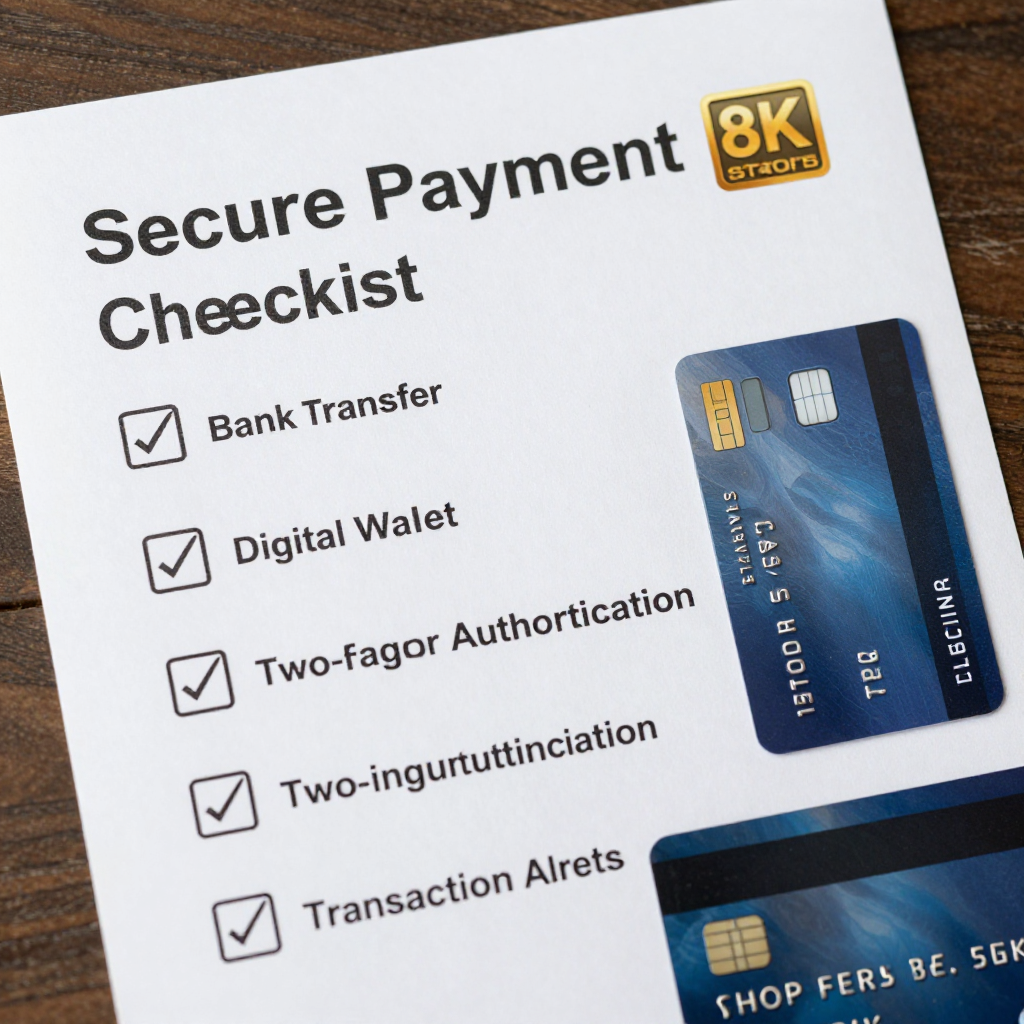
Use two-factor authentication on banking, email, shopping, and payment accounts. Prefer an authenticator app or security key when available. Turn on transaction alerts, login notifications, and card-purchase notifications so unusual activity reaches you quickly.
Warning Signs of a Fake Payment Page or Merchant
A fake payment page often has an unusual web address, weak business information, limited payment choices, or requests for data that a legitimate merchant does not need. One warning sign may be a mistake; several together should end the transaction.
- Suspicious URL: The domain contains misspellings, extra words, unusual subdomains, or a different ending from the company’s normal website.
- Unrealistic offer: The price is far below normal, stock is supposedly disappearing, or a refund or prize requires an upfront fee.
- Unusual payment method: The merchant insists on a bank transfer, gift card, cryptocurrency, or payment to a personal account.
- Poor contact information: There is no physical address, working phone number, business email, or clear returns policy.
- Payment-page pressure: A countdown timer, repeated pop-ups, or warnings about losing access discourage careful review.
- Excessive data requests: The page asks for online banking credentials, a one-time code, or identity information unrelated to the purchase.
Search for independent reviews, but do not treat reviews on the merchant’s own website as proof. For a new seller, verify registration details where relevant and look for a consistent history across multiple sources.
What to Do If You Think You’ve Been Scammed
If you suspect a scam, contact your bank, card issuer, or payment provider immediately, then secure your accounts and preserve evidence. Fast reporting may improve the chance of stopping a pending payment, although recovery is never guaranteed.
- Stop communicating with the scammer. Do not send more money to unlock a refund or pay a supposed recovery specialist.
- Contact the payment provider through an official channel. Ask whether the transaction can be canceled, recalled, disputed, or placed under review. For card fraud, ask about a chargeback or unauthorized-transaction process.
- Secure exposed accounts. Change compromised passwords from a trusted device, beginning with email and banking accounts. Sign out of other sessions and revoke unknown devices or app access.
- Protect the card or account. Freeze or replace a card if its details were exposed. Ask the bank whether additional monitoring or account restrictions are appropriate.
- Save evidence. Keep messages, email headers, payment receipts, URLs, phone numbers, screenshots, and a timeline of events. Do not edit the original files.
- Report the incident. Notify the relevant financial institution, marketplace, platform, and national fraud-reporting authority. In the United States, the FBI Internet Crime Complaint Center and Federal Trade Commission provide reporting options; other countries have equivalent agencies.
Be wary of anyone who promises guaranteed recovery for an upfront payment. Scam victims are frequently targeted again with fake legal, technical, or recovery services.
How to Build Safer Payment Habits
Safer payment habits come from routine checks, current software, unique passwords, and prompt account monitoring. A short weekly review can prevent a small suspicious event from becoming a larger loss.
- Review bank and card statements at least weekly and investigate unfamiliar transactions promptly.
- Use unique, long passwords for banking, email, and payment accounts; store them in a reputable password manager.
- Enable two-factor authentication and transaction alerts wherever available.
- Install operating-system, browser, antivirus, and banking-app updates from official sources.
- Avoid making sensitive payments over public or unsecured Wi-Fi. Use mobile data or a trusted network instead.
- Keep contact details current so your bank can reach you about suspicious activity.
- Use a separate low-balance account or spending limit for online purchases when your bank supports it.
- Before paying, apply the PAUSE check: Pressure, Address, User or recipient, Scope of payment, Evidence. If any part is unclear, stop and verify.
These routines do not eliminate risk. They reduce the number of decisions made under pressure and make unusual activity easier to detect.
Frequently Asked Questions About Online Payment Scams
How can I tell whether a payment link is genuine?
Do not use the link in an unexpected message. Open the organization’s official app or type its known website address manually, then check whether the same payment request appears there. Confirm the sender and amount through an independent contact method.
What should I do if I sent money to a scammer?
Contact your bank or payment provider immediately and ask whether the payment can be stopped, recalled, or disputed. Secure exposed accounts, preserve evidence, and report the fraud to the relevant platform and authorities.
Are credit cards safer than bank transfers for online purchases?
Credit cards often offer a clearer dispute process for qualifying purchases, while bank transfers are usually harder to reverse. Neither is automatically safe, and protections depend on the issuer, transaction, and local rules.
Can a bank reverse a fraudulent payment?
Sometimes. The result depends on whether the payment was unauthorized, still pending, or voluntarily approved after deception, as well as the bank’s procedures and applicable law. Report it as soon as possible.
How can I report an online payment scam?
Report it to your bank or payment provider first, then notify the marketplace or messaging platform involved and the appropriate national fraud-reporting agency. Include transaction records, messages, websites, and a clear timeline.