Top 5 Mobile Payment Apps Compared: Which One Is Right for You?
Choosing a mobile payment app used to be simple. Now there are five serious contenders, each with a distinct approach to fees, security, and usability. If you pick the wrong one, you might end up paying unnecessary transaction fees, dealing with limited bank compatibility, or using an app your friends don't have. This comparison cuts through the noise and tells you exactly which digital wallet fits your situation.
What to Look for in a Mobile Payment App
The best mobile payment app for you depends on four practical factors: fees, security, device compatibility, and where you actually spend money. Before comparing specific apps, it helps to know what each of these means in real terms.
Transaction fees vary wildly. Some apps charge nothing for bank-linked transfers but take 1.5–3% for credit card payments or instant withdrawals. Others are free for personal use but charge business accounts. Read the fine print before assuming "free" means free.
On the security side, look for two-factor authentication (2FA) and biometric login (Face ID, fingerprint) as baseline requirements. More advanced apps layer on tokenization — replacing your card number with a one-time code during NFC transactions — which meaningfully reduces fraud exposure.
Compatibility matters more than people expect. Apple Pay only works on Apple devices. Some apps have limited availability outside the US. If you travel internationally or send money abroad, regional support should be near the top of your checklist. And finally, check whether the app links to your specific bank and card type — not all debit cards or credit unions are supported by every platform.
PayPal – Best for Versatility
PayPal is the most widely accepted digital wallet for both online shopping and peer-to-peer transfers, making it the default choice for users who want one app that does everything. With over 400 million active accounts globally, it's accepted at more merchants than any competitor on this list.
Linking a bank account or debit card to PayPal is free, and personal P2P transfers funded from your PayPal balance or bank account cost nothing. The catch: credit card-funded payments carry a 3.49% fee, and instant transfers to your bank account cost 1.75% (capped at $25). Standard bank transfers take 1–3 business days but are free.
Security includes 2FA, biometric login, and PayPal's Purchase Protection program, which covers eligible transactions if items don't arrive or aren't as described. PayPal balances held in the app are not FDIC-insured by default, though PayPal offers a separate FDIC-insured savings product through partner banks.
PayPal is available on both iOS and Android, works in over 200 countries, and supports QR code payments at physical retail locations. The trade-off for all that versatility: the interface feels cluttered, and customer service has a historically mixed reputation when disputes arise. If you primarily send money domestically to friends, a more focused app may serve you better.
Apple Pay – Best for iPhone Users
Apple Pay is the fastest and most seamless contactless payment method available — but only if you're already in the Apple ecosystem. It uses NFC technology to process in-store payments in under two seconds, with no app to open and no card to swipe.
There are no transaction fees for consumers. Apple Pay doesn't store your actual card number anywhere; instead, it generates a device-specific account number and a unique transaction code for every purchase. This tokenization approach, combined with Face ID or Touch ID authentication, makes it one of the most secure payment methods available today. You can read more about how NFC-based payment tokenization works on the Wikipedia page on data tokenization.
The obvious limitation: Apple Pay only works on iPhone, Apple Watch, iPad, and Mac. Android users are completely excluded. International acceptance varies — it's widely supported in the US, UK, Australia, and most of Western Europe, but coverage is patchy in parts of Asia and Latin America. P2P transfers via Apple Cash are limited to the US, and the feature requires both sender and recipient to have an Apple device.
For anyone already using an iPhone as their primary device, Apple Pay is the easiest upgrade they can make. Choosing it for its simplicity means accepting that it won't work outside Apple hardware.
Google Pay – Best for Android Users
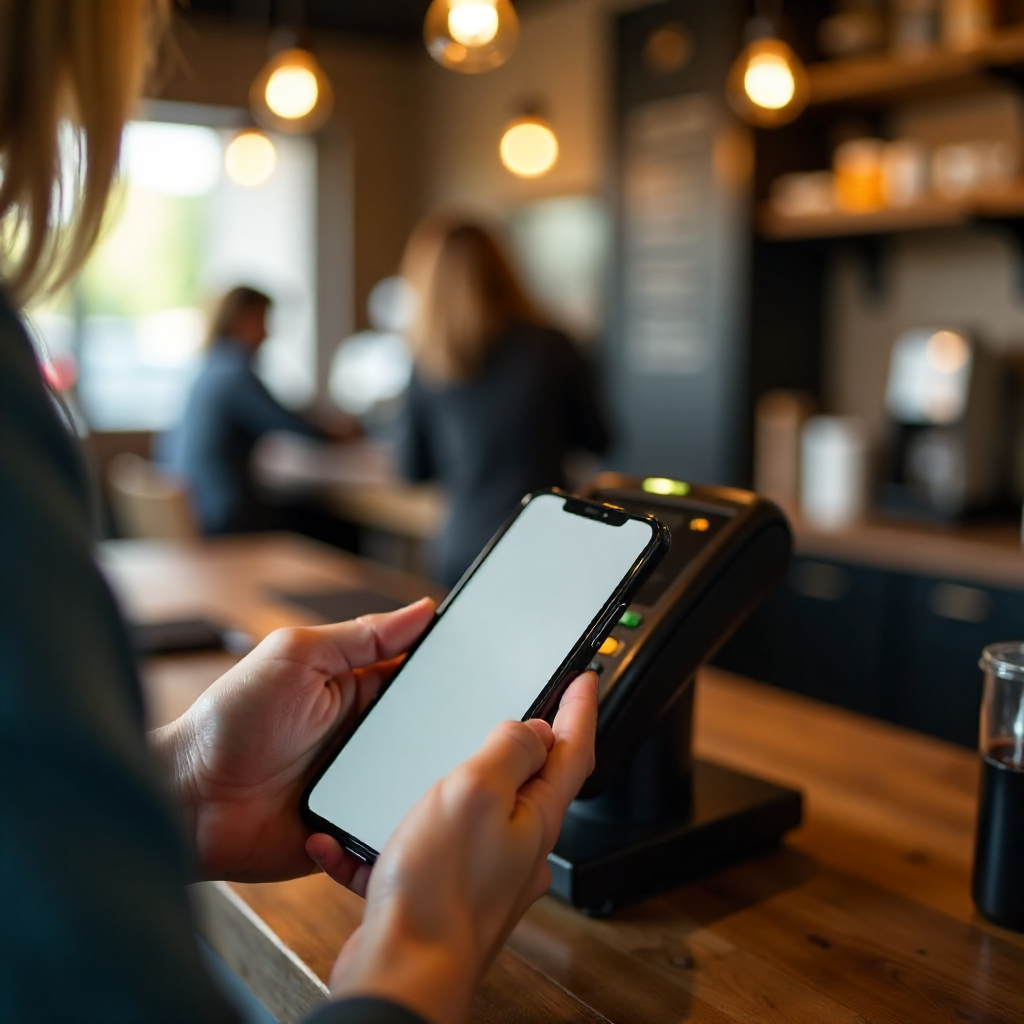
Google Pay offers the Android equivalent of Apple Pay's in-store experience, with broader cross-platform flexibility and tighter integration with Google's broader product ecosystem. It supports NFC contactless payments, QR code payments, and online checkout across both Android and iOS.
Like Apple Pay, Google Pay charges no fees for consumers on standard transfers. It links to debit cards, credit cards, and bank accounts, and it integrates with Google Maps, Gmail (for payment receipts), and Google Assistant. The loyalty card and offer integration is a genuine differentiator — the app automatically surfaces relevant coupons and cashback offers at participating retailers.
Security is comparable to Apple Pay: tokenization replaces card details during NFC transactions, and biometric or PIN authentication is required for each payment. Google Pay is available in 40+ countries, though the feature set varies by region — P2P transfers, for example, are currently US-only.
The honest trade-off: Google Pay's interface has been redesigned multiple times, and some users find the current version less intuitive than older iterations. There have also been periods where Google consolidated or renamed payment products, creating some confusion about which app to use. If you're an Android user who wants a no-fee, NFC-capable wallet with good merchant acceptance, Google Pay is the natural starting point.
Cash App – Best for P2P Transfers
Cash App is the most direct tool for sending money between individuals, with a clean interface, a free debit card (the Cash Card), and optional Bitcoin and stock investing features built in. It's particularly popular with users under 35 who want simplicity over breadth.
Sending money from your Cash App balance or linked bank account is free. Instant deposits to your bank account cost 0.5–1.75% (minimum $0.25). Credit card-funded sends cost 3%. The Cash Card works like a standard Visa debit card at any merchant, and users can apply "Boosts" — rotating discounts at specific retailers — to save on everyday purchases.
Cash App balances are not FDIC-insured unless you have a Cash App Card and have enabled direct deposit, in which case funds are held at partner banks with FDIC protection up to $250,000. This distinction matters if you plan to keep significant funds in the app. Security features include 2FA and biometric login, but Cash App has faced scrutiny over fraud and scam activity — the platform is a frequent target for social engineering attacks.
Cash App is available on iOS and Android in the US and UK only. There's no international P2P transfer capability, and merchant acceptance for in-store QR code payments is narrower than PayPal or Google Pay. It's the right choice if you primarily split bills and send money domestically, and you want an optional investing feature without opening a brokerage account.
Venmo – Best for Social Payments
Venmo is a peer-to-peer payment app with a social feed — every transaction includes an optional note and emoji that appears in a public or friends-only timeline. It's owned by PayPal but operates as a separate product with a distinct user experience aimed at casual, social spending among friends.
Personal P2P transfers from a Venmo balance or bank account are free. Instant bank transfers cost 1.75% (minimum $0.25, maximum $25). Credit card-funded transfers cost 3%. Venmo also has a physical debit card and a credit card, and merchant payments via QR code are accepted at a growing number of retailers.
The social feed is Venmo's most distinctive feature — and its biggest privacy risk. By default, your transaction history (though not the amounts) is visible to your contacts. New users frequently overlook this. Go to Privacy settings immediately after signing up and switch your default transaction visibility to "Only Me" or "Friends" to avoid broadcasting your spending habits.
Venmo is US-only and available on iOS and Android. It does not support international transfers. FDIC insurance applies only to Venmo balances enrolled in the Venmo Debit Card program through Bancorp Bank. The app's strength is its social layer — if your friend group already uses Venmo, the network effect makes it genuinely convenient. If they don't, there's little reason to choose it over Cash App or PayPal.
Side-by-Side Comparison and Final Verdict
Here's how the five apps stack up across the criteria that matter most for everyday use:
| App | P2P Fee (bank) | NFC Payments | Platforms | International | FDIC Protection |
|---|---|---|---|---|---|
| PayPal | Free | Limited | iOS, Android | 200+ countries | Conditional |
| Apple Pay | Free (US) | Yes | iOS only | 60+ countries | Via Apple Cash |
| Google Pay | Free (US) | Yes | iOS, Android | 40+ countries | Via partner banks |
| Cash App | Free | Via Cash Card | iOS, Android | US, UK only | Conditional |
| Venmo | Free | Via Venmo Card | iOS, Android | US only | Conditional |
The verdict by user profile:
- Frequent online shopper or international user: PayPal wins on merchant acceptance and global reach, despite the cluttered interface.
- iPhone user who pays in stores: Apple Pay is the fastest, most secure option with zero fees and no friction.
- Android user who pays in stores: Google Pay matches Apple Pay's NFC experience with broader cross-platform flexibility.
- Casual money-sender who wants simplicity: Cash App or Venmo — Cash App if you want the optional investing feature, Venmo if your social circle already uses it.
- Small business or freelancer: PayPal's business tools and global acceptance make it the practical default, though the 2.99% fee on credit card payments adds up.
No single app is best for everyone. The smarter move for most people is to use two: one for in-store contactless payments (Apple Pay or Google Pay, depending on your device) and one for P2P transfers (Venmo or Cash App, depending on your network). PayPal earns a spot if you shop internationally or need a platform your clients or vendors already trust.
Frequently Asked Questions
Are mobile payment apps safe to use for everyday purchases?
Yes, with caveats. Apps that use NFC tokenization — Apple Pay and Google Pay — are arguably safer than swiping a physical card because your actual card number is never transmitted. Apps like Venmo and Cash App are secure at the infrastructure level but are frequent targets for social engineering scams. Enable 2FA and biometric login on every app you use, and never send money to someone you haven't verified through a separate channel.
Do any of these apps charge fees for sending money to friends?
Sending money from a linked bank account or existing app balance is free on all five apps. The fees kick in when you use a credit card (typically 3%) or request an instant transfer to your bank account (1–1.75%). Stick to bank-funded transfers and standard withdrawal timelines to avoid fees entirely.
Can I use multiple mobile payment apps at the same time?
Yes. There's no technical or policy barrier to running PayPal, Venmo, and Google Pay simultaneously on the same device. Many users do exactly this — one app for in-store NFC payments, one for splitting bills with friends, and PayPal for online shopping. The main downside is managing multiple balances and keeping track of which funds are FDIC-protected.
Which mobile payment app works internationally?
PayPal has the widest international footprint, operating in over 200 countries with multi-currency support. Apple Pay and Google Pay work in 60+ and 40+ countries respectively for in-store contactless payments, but their P2P features are US-only. Cash App is limited to the US and UK. Venmo is US-only across all features.
What happens to my money if a payment app shuts down or is hacked?
This depends on whether your balance qualifies for FDIC insurance. Funds held in app balances without an associated bank account or debit card are generally not insured — meaning if the company fails, you may be an unsecured creditor. To protect yourself, avoid keeping large balances in any payment app. Transfer funds to your FDIC-insured bank account regularly, and verify whether your specific account type qualifies for protection by reviewing the app's terms or checking the FDIC's official deposit insurance resources.